

Today, at a glance
The next job, the time window, the route and who to call. Start the day with one tap.
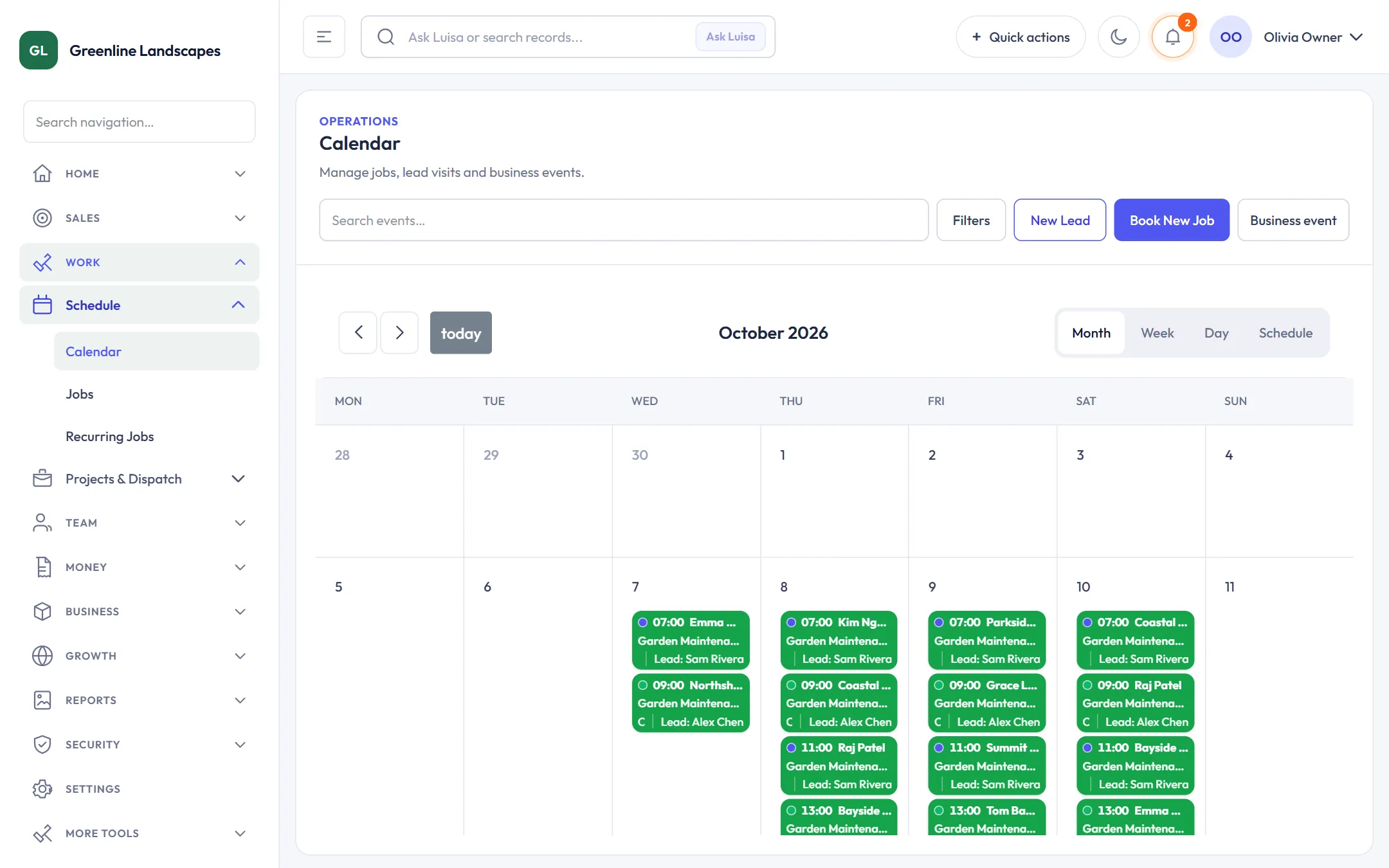
Your crews see their jobs, the route and the customer. They do the Take 5 and prestart, take the photos and finish the job, even with no signal. The office sees it all as it happens.
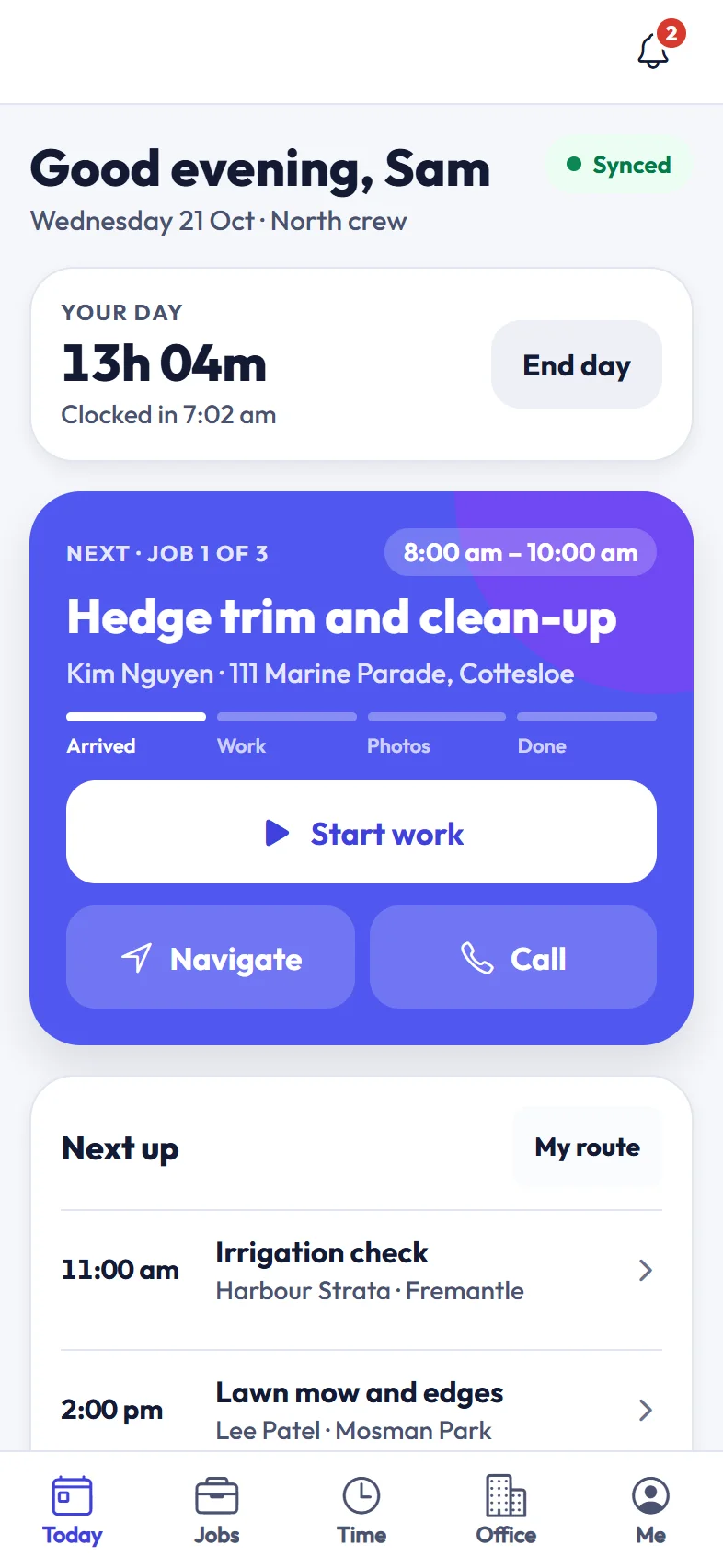
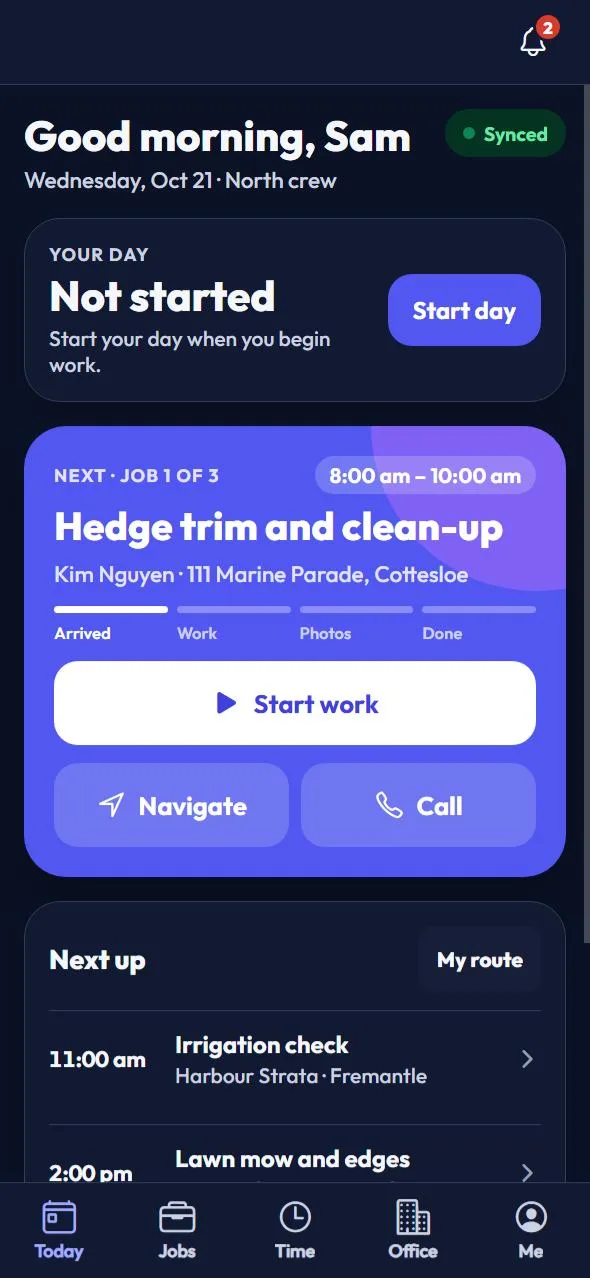
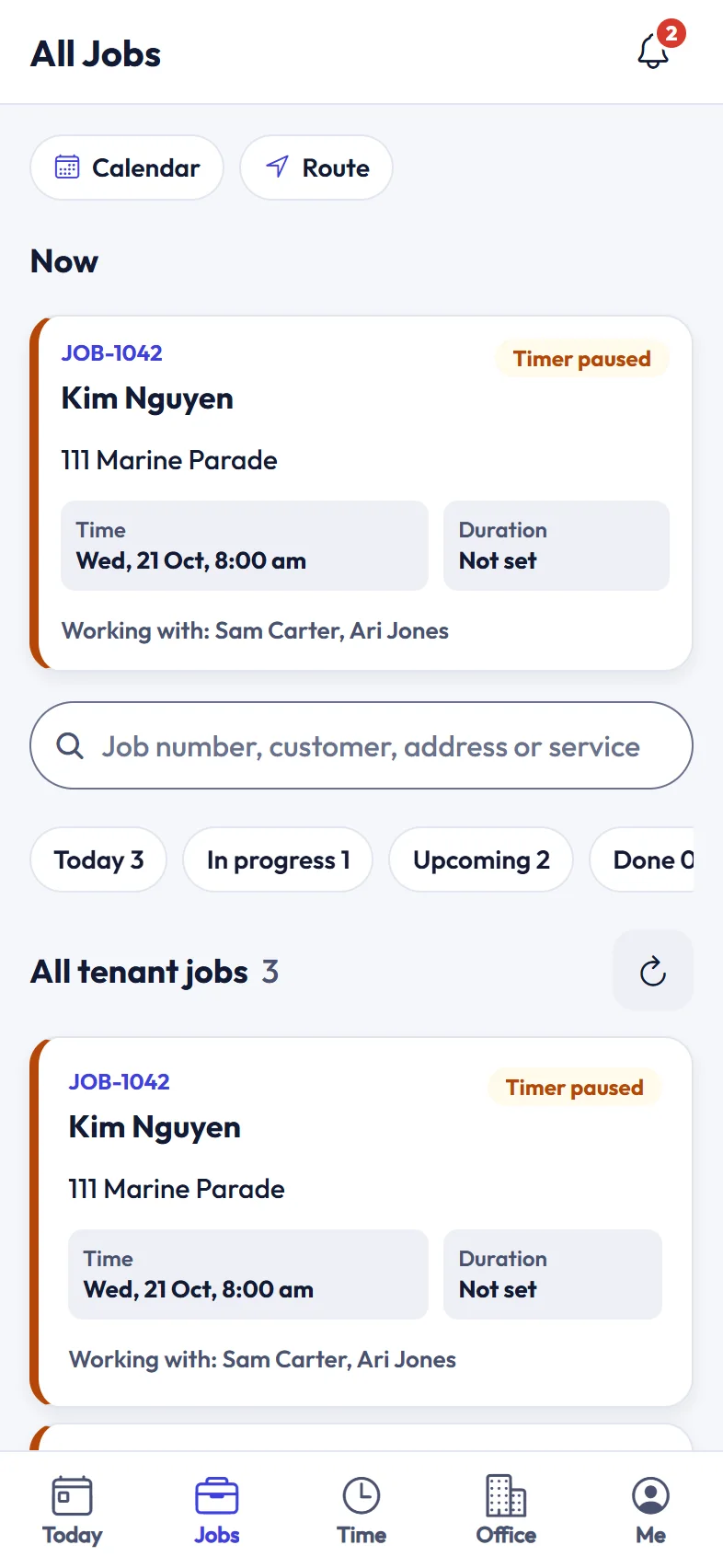
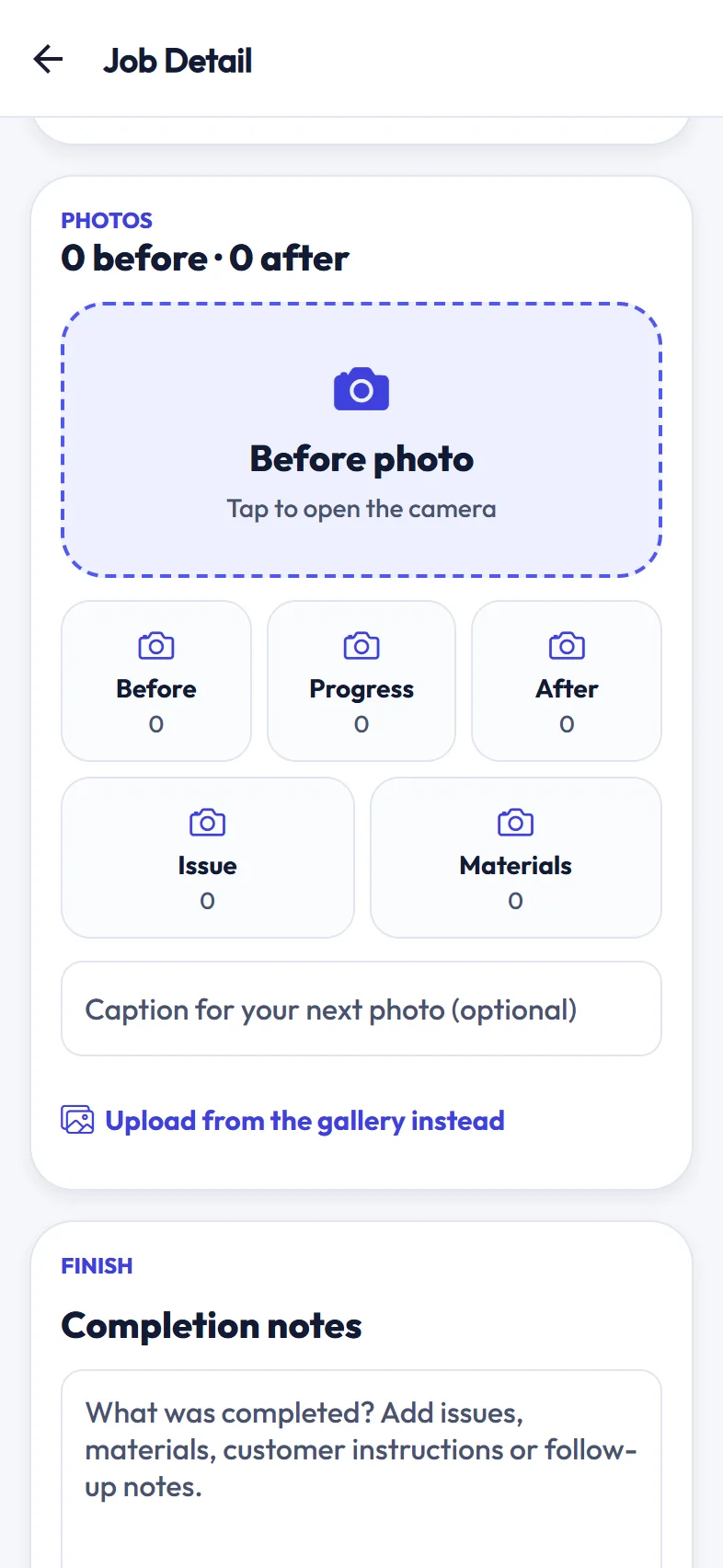
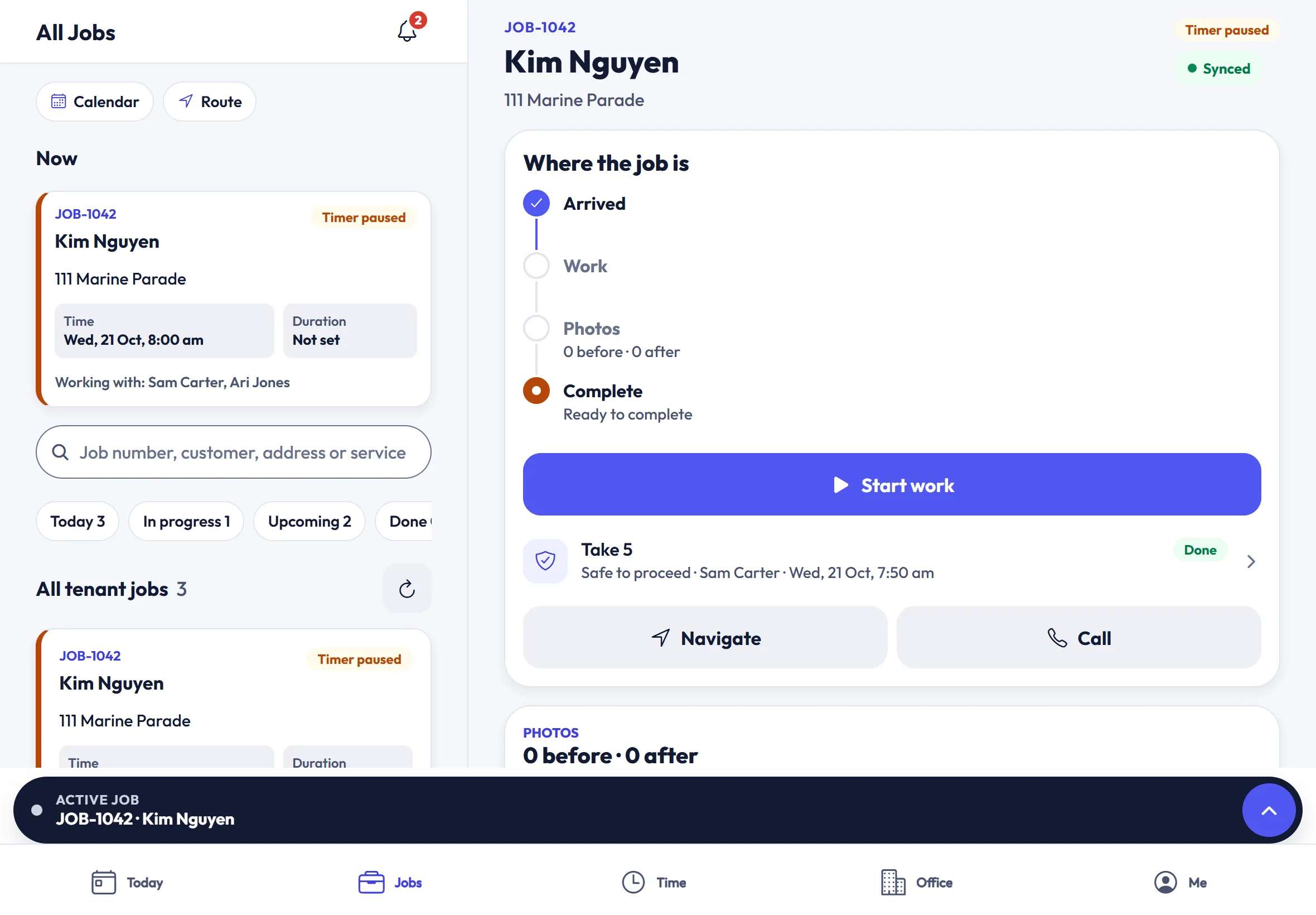
On an iPad the list and the job sit side by side, so a leading hand can run the day from the ute.
Take 5, the daily prestart, SOPs and SWMS, incidents and compliance live in the same workspace as the jobs, on the crew’s phones and on one WHS hub for the office.
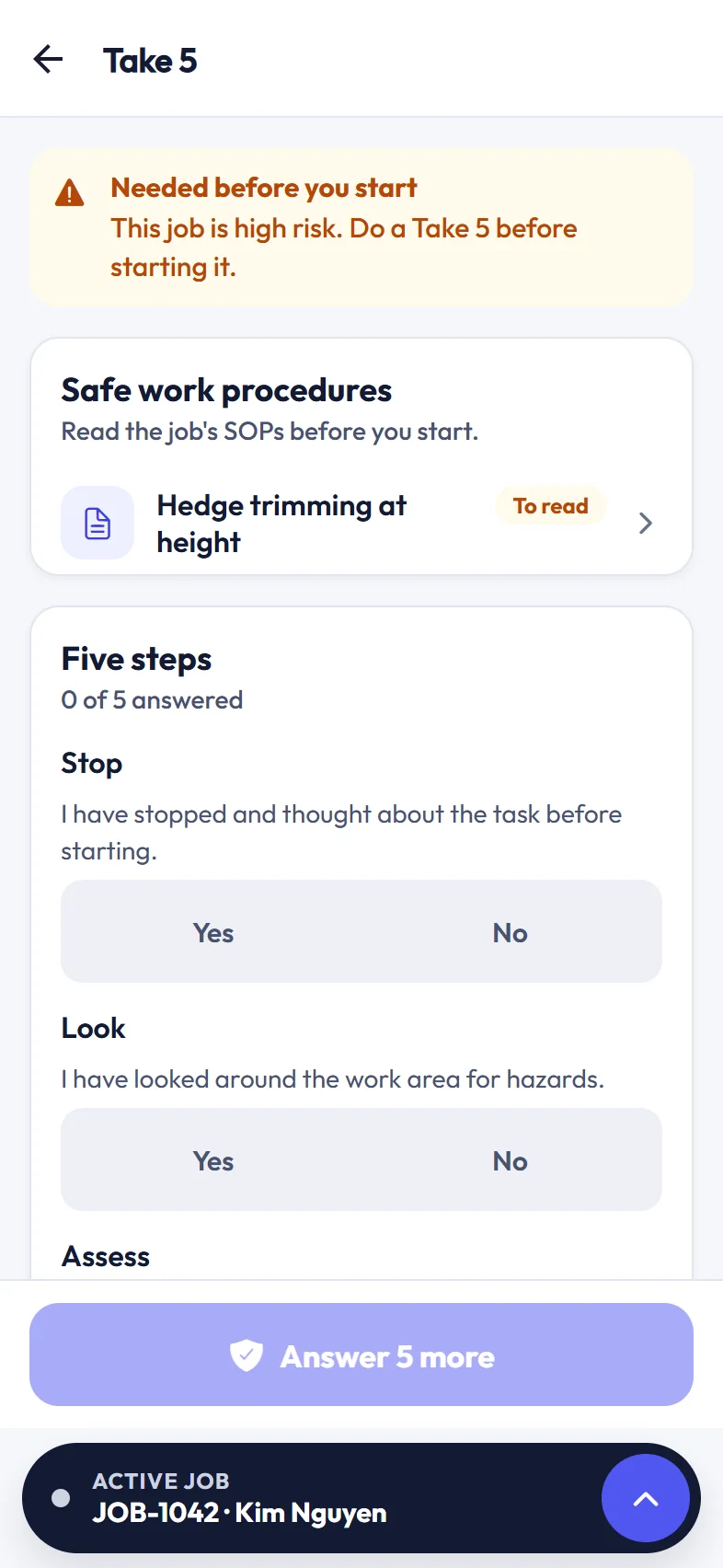
High-risk jobs ask the crew for a Take 5 before work can start. The job’s safe work procedures fill in the likely hazards, and a “no” answer stops the work until the crew leader or a WHS manager resolves it.
Anyone in the crew completes the day’s prestart and the rest acknowledge it. Equipment is checked against its checklist, and the office sees every crew’s prestart on the WHS hub.
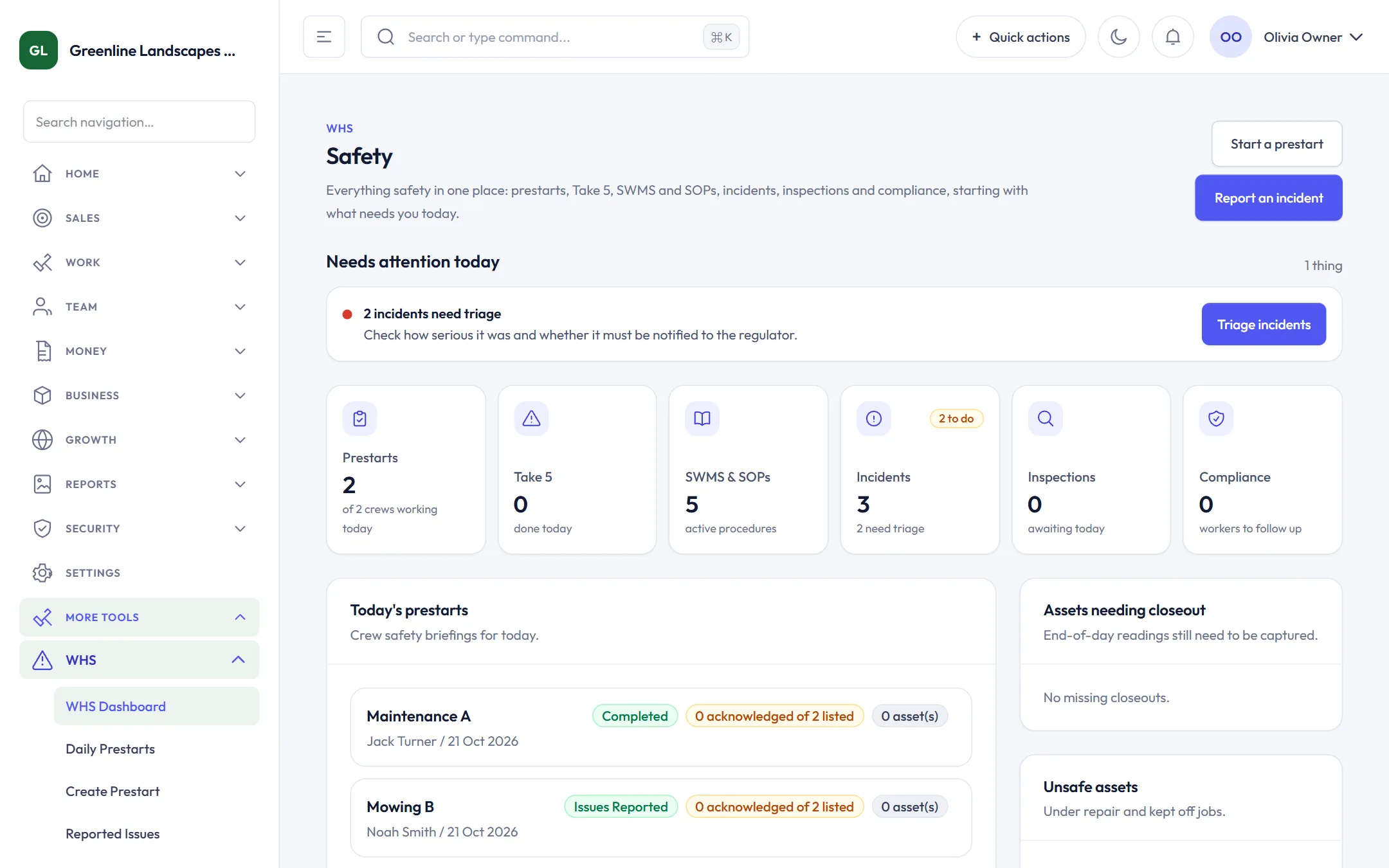
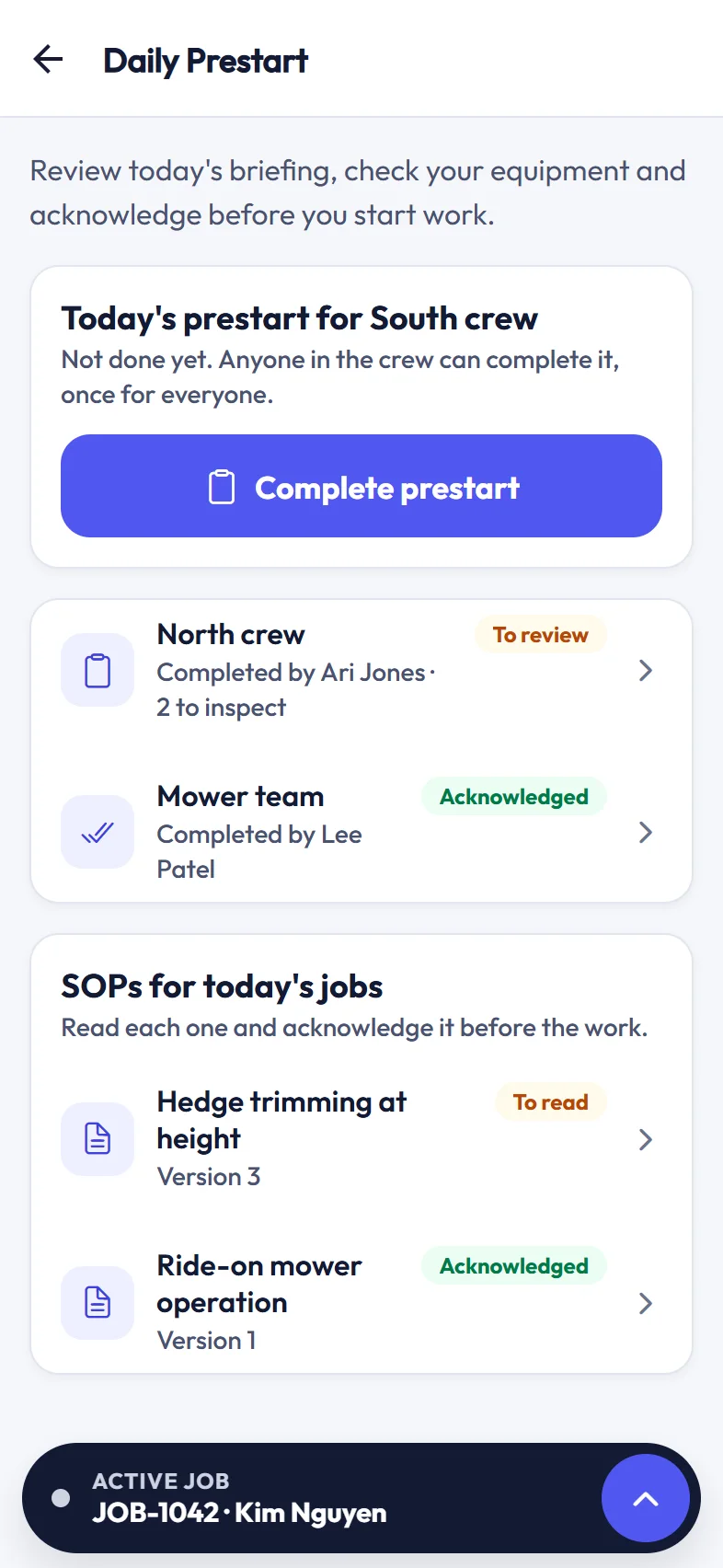
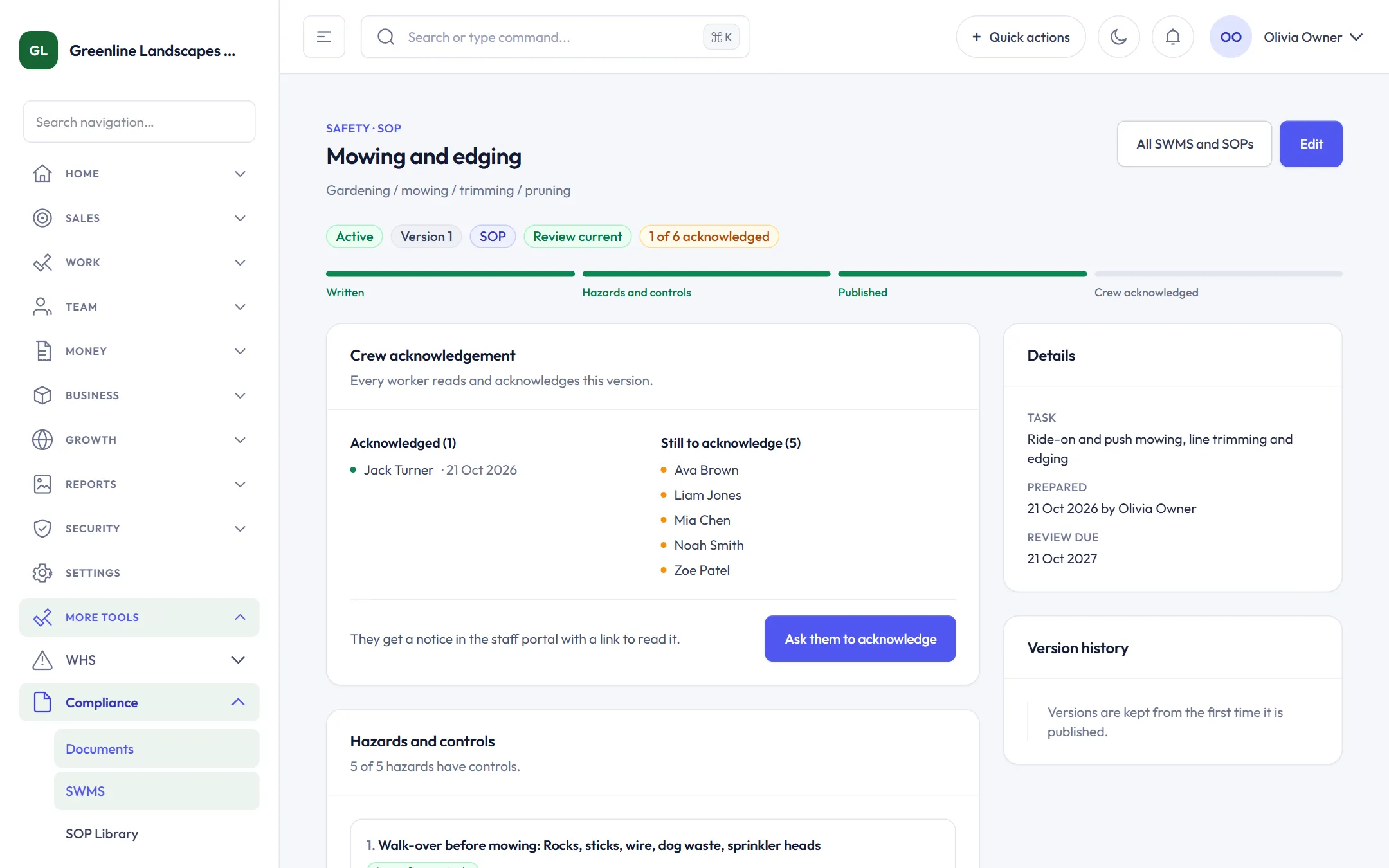
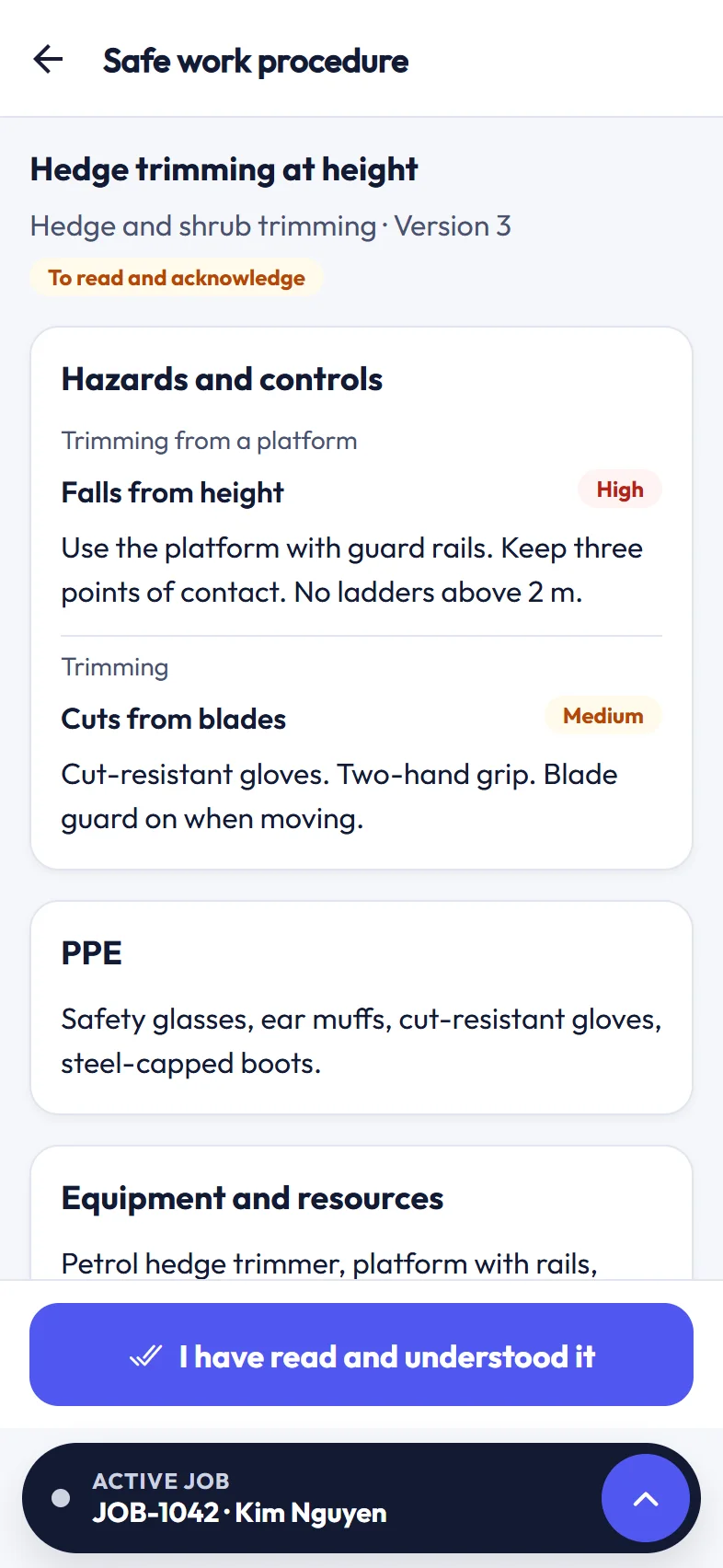
Start from templates for outdoor work, make them your own, and publish. Every version is kept, each worker acknowledges the version they read, and a changed SOP is shown to the crew again.
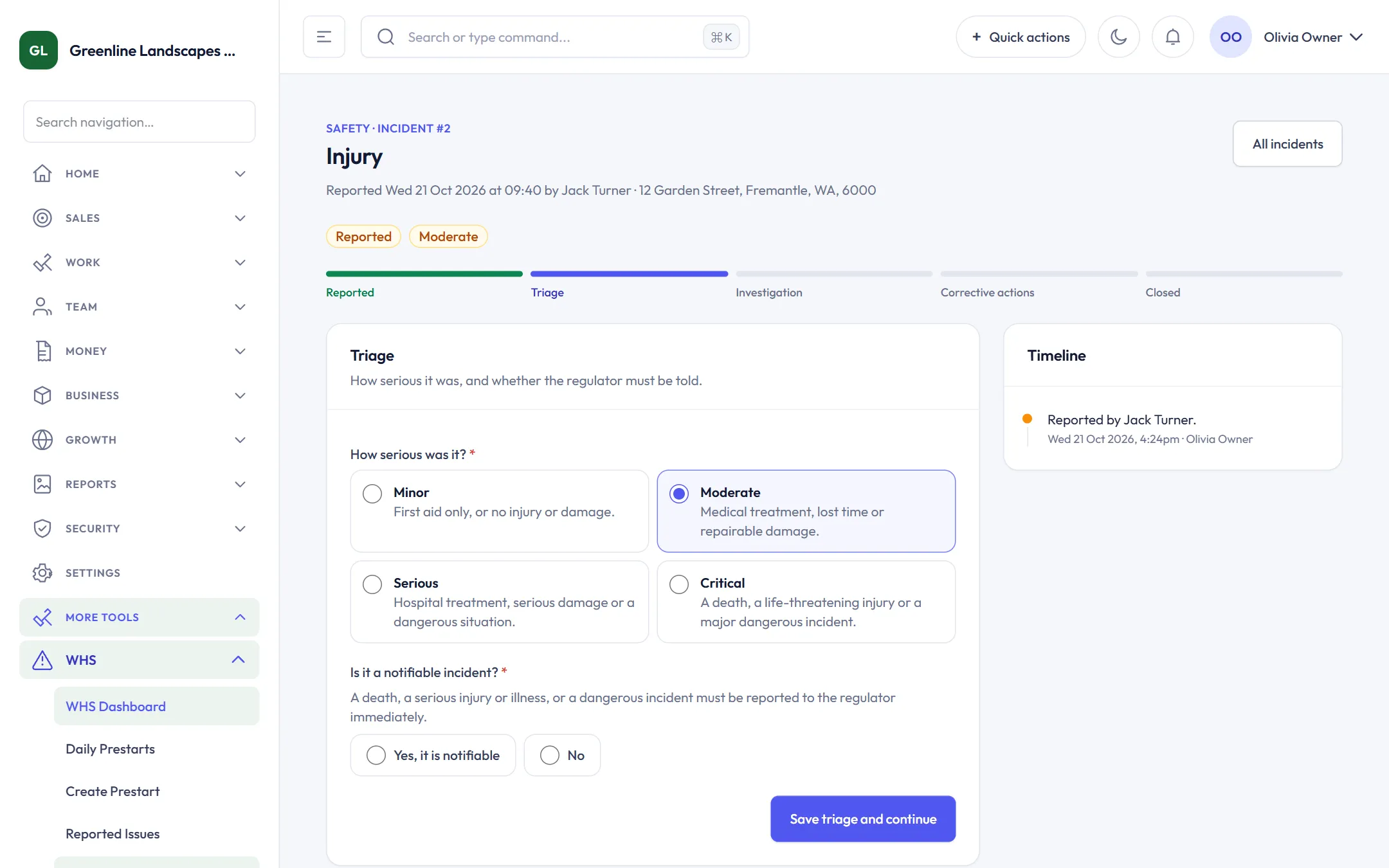
Anyone can report what happened, where and who was involved in three short steps. The office triages how serious it was and whether it is notifiable, then tracks the investigation and corrective actions.
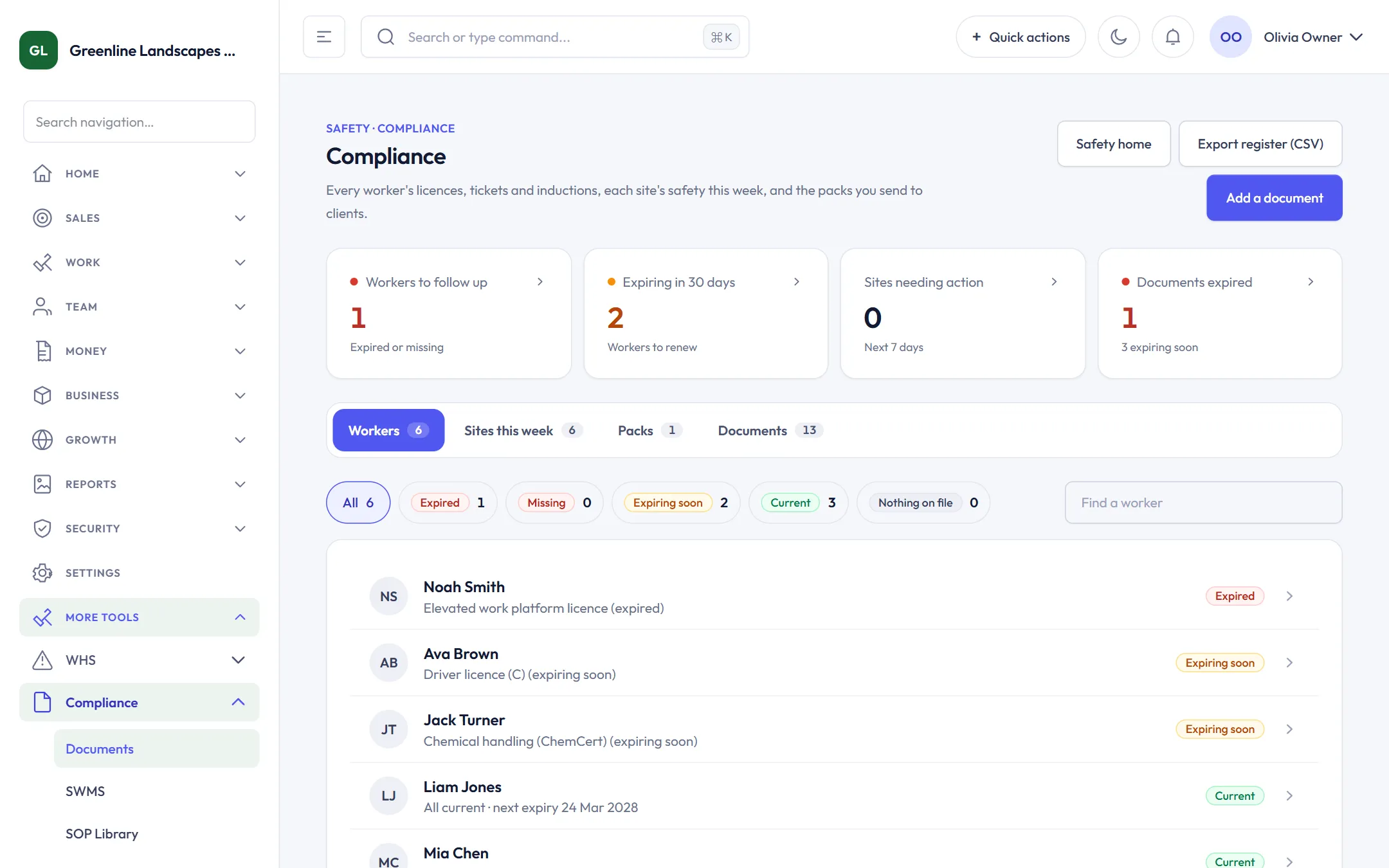
Every worker’s licences, tickets and inductions with their expiry dates, each site’s safety for the week, and compliance packs for clients. Export a pack as one ZIP with a cover page, or the register as a CSV.
ScapeOne helps you run and record your safety system and supports your WHS obligations. It does not replace them or guarantee compliance. SOP and SWMS templates are general guidance, so check them against your own work, sites and state laws.
The next job, the time window, the route and who to call. Start the day with one tap.
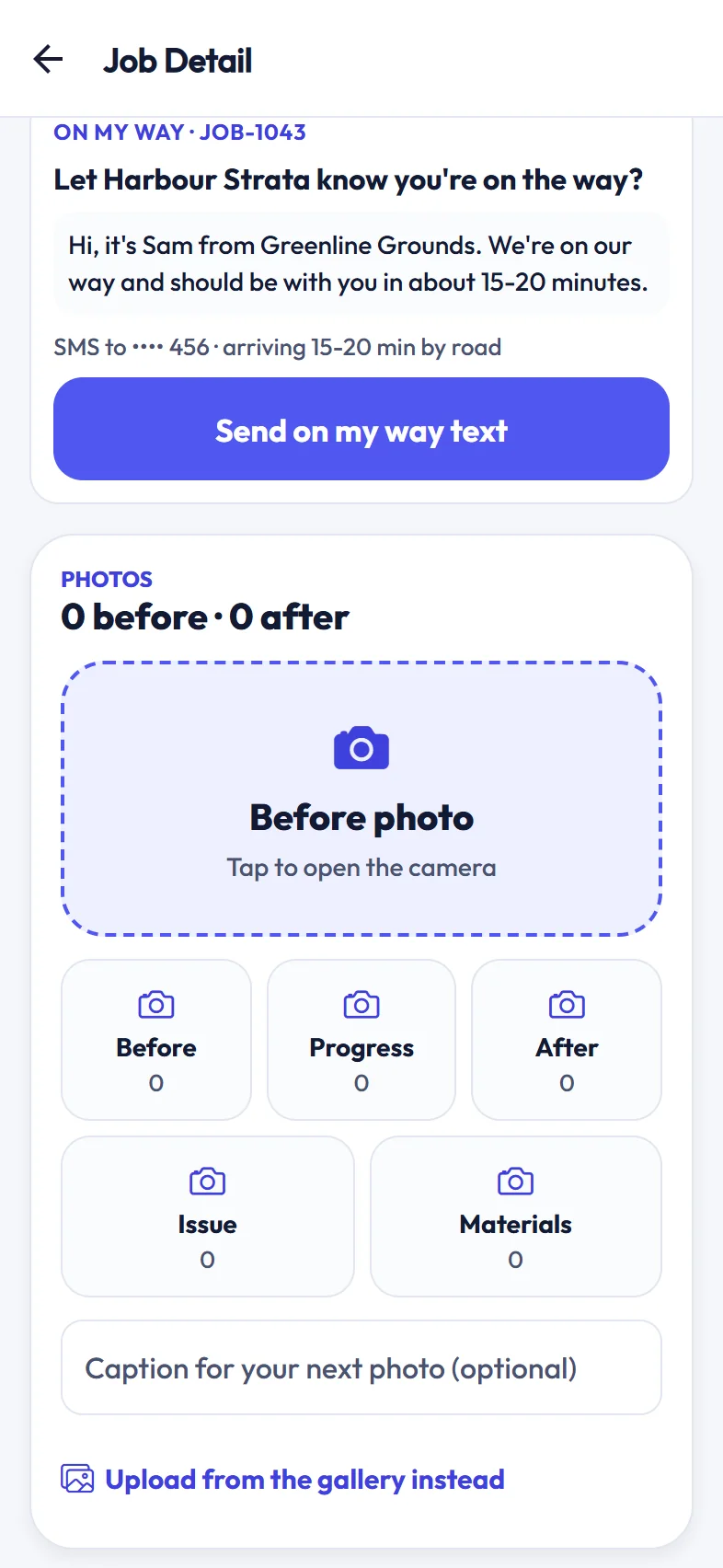
Open directions or call the customer straight from the job.
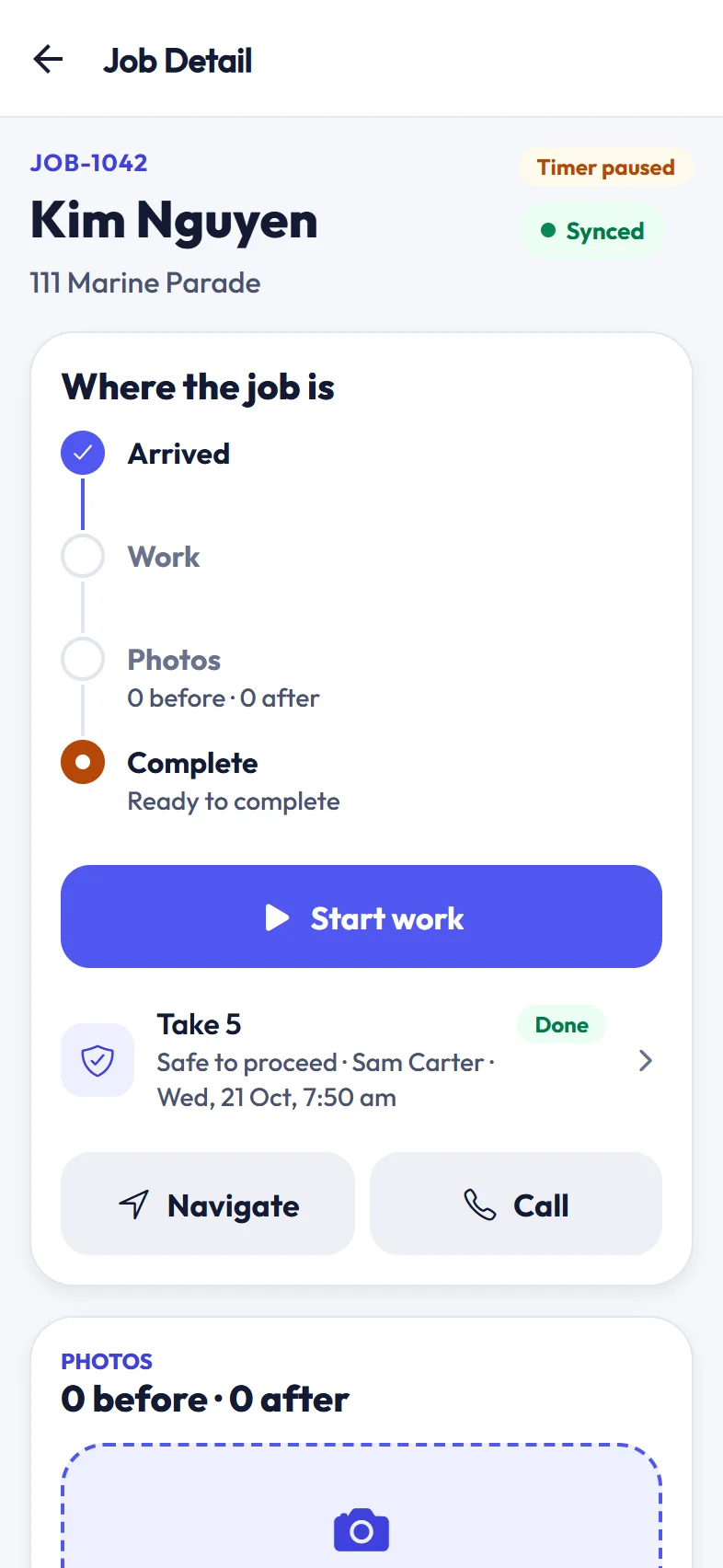
High-risk jobs ask for a Take 5 before work can start, and the crew leader resolves any stop-work.
One prestart per crew each day, equipment checks, and the safe work procedures for the day’s jobs.
Photos are attached to the job, ready for the customer report and Maya’s marketing.
Job timers, clock on and off, and timesheets that flow to the office.
Actions and photos queue on the phone and sync when the signal comes back.
Owners can check leads, quotes, invoices and dispatch from the same app.
Jobs started, photos taken, prestarts done and jobs finished show up as they happen. Finished work moves straight to invoicing.
Create your workspace, add your team, and they sign in to the app with their ScapeOne login.